
 By admin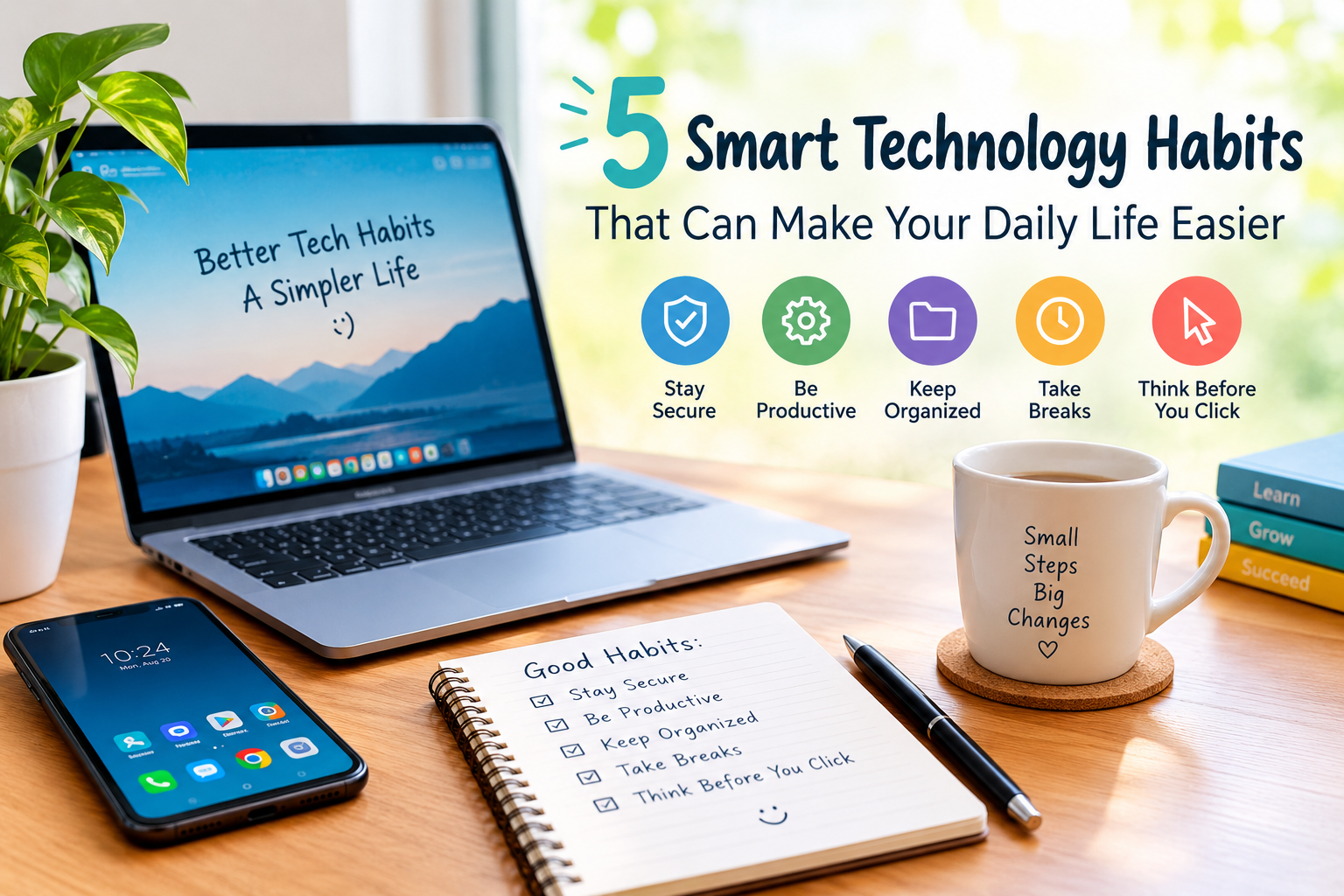
5 Smart Technology Habits That Can Make Your Daily Life Easier
- Technology has become an important part of our everyday lives. From smartphones and computers to smart home devices and online services, technology helps us save time and complete daily tasks more easily. However, simply using technology is not enough. Learning a few smart technology habits can make your digital life more organized, secure, and productive.
You do not need expensive gadgets or advanced technical skills to improve the way you use technology. Small changes in your daily routine can make a noticeable difference. Here are five simple technology habits worth adopting.
1. Keep Your Devices Updated
One of the easiest technology habits is keeping your phone, computer, and apps updated. Software updates often include security improvements, bug fixes, and performance enhancements.
Many people ignore update notifications because they seem inconvenient. However, delaying important updates for too long can leave your device more vulnerable to security problems.
Whenever possible, turn on automatic updates for your operating system and trusted applications. Before installing a major update, make sure your important files are backed up.
2. Use Strong and Different Passwords
Using the same password for multiple accounts can create a serious security risk. If one account is compromised, other accounts using the same password may also become vulnerable.
A better approach is to create strong and unique passwords for important accounts. A password manager can also help you safely store and manage different passwords without having to remember every one.
For accounts that support it, enable two-factor authentication. This adds another layer of protection because logging in usually requires an additional verification step.
3. Organize Your Digital Files
Digital clutter can become just as frustrating as physical clutter. Photos, documents, downloads, and screenshots can quickly fill your phone or computer.
Create simple folders for important files and remove items you no longer need. You can organize documents by categories such as work, personal, education, and important records.
Cloud storage can also be useful for keeping backup copies of important files. However, avoid uploading sensitive information to services you do not trust.
4. Take Regular Breaks From Screens
Technology makes communication and entertainment easier, but spending too much time looking at screens can make you feel tired and distracted.
Try creating small screen-free periods during the day. For example, you can take a short break after working on a computer for a long time or avoid unnecessary phone use before sleeping.
Instead of checking your phone every few minutes, choose specific times to respond to messages, emails, and social media notifications. This simple habit can help you stay focused.
5. Think Before Clicking
The internet is full of useful information, but not every link, message, or website is trustworthy. Scammers often use fake offers, urgent messages, and suspicious links to trick people into sharing personal information.
Before clicking an unfamiliar link, check where it comes from. Be especially careful with messages asking for passwords, payment information, verification codes, or urgent payments.
Remember that legitimate companies generally do not need you to share sensitive information through random messages or suspicious links.
Why Smart Technology Habits Matter
Technology should make life easier rather than create unnecessary problems. By keeping devices updated, protecting accounts, organizing files, managing screen time, and staying alert online, you can use technology more confidently.
These habits do not require expensive equipment. They are simple changes that almost anyone can start today.
Final Thoughts
Technology is constantly changing, but good digital habits remain valuable. You do not have to become a technology expert to stay safer and more productive. Start with one small habit and gradually build better digital routines.
A little attention today can help protect your information, save time, and make your everyday technology experience much easier.